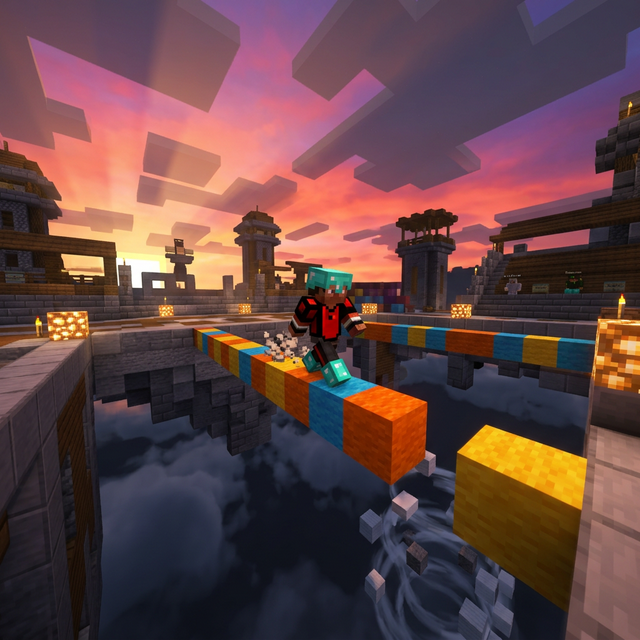
You've watched clips of players crossing the void by walking straight ahead, placing blocks under their feet at an unreal speed, and wondered how it's possible? This technique is called the Godbridge, and it's simply the fastest and most impressive bridging method in Minecraft. While regular players must crouch and look down to place blocks, the Godbridger advances without ever looking down — thanks to a phenomenal click speed of 15 to 22 CPS (clicks per second).
In this complete guide, we'll break down the Godbridge technique step by step: the CPS prerequisites, the necessary hardware (gaming mouse, debounce settings), the exact block placement method, and a concrete training program to go from beginner to confirmed Godbridger. Whether you play Bedwars, Skywars or Bridge Duels, mastering this technique will transform your game.
What is the Godbridge in Minecraft?
The Godbridge is an advanced bridging technique in Minecraft that involves walking in a straight line while placing blocks under your feet, without ever looking down or pressing the Shift key (crouching). It's the fastest bridging technique in the game — approximately 2 times faster than classic Speedbridging and 3 times faster than Ninja Bridging.
The secret lies entirely in click speed. When walking straight in Minecraft, your character takes about 50 to 70 milliseconds to cross one block. To place a block under your feet before falling, you must right-click at the precise moment you reach the edge of the previous block. At this speed, only a player capable of maintaining 15 CPS or more consistently can achieve a reliable Godbridge.
Why is the Godbridge so powerful in PvP?
In Bedwars and Bridge Duels, movement speed is a decisive advantage. A player who Godbridges reaches the enemy base in half the time of a player who Speedbridges. This means:
- Faster rush — You reach the enemy base before they have time to prepare.
- Clear vision — Since you're not looking down, you can see enemies coming and anticipate knockbacks.
- Psychological pressure — A player who Godbridges perfectly intimidates opponents and seizes initiative.
- Map control recovery — In Bridge Duels, a successful Godbridge gives you a nearly uncontestable positional advantage.
Technical prerequisites: CPS, mice, and settings
Minimum CPS for Godbridging
This is the question everyone asks: how many CPS do you need? Here are the concrete thresholds based on Minecraft's walking speed (4.317 blocks/second moving forward):
- Below 12 CPS — Godbridging impossible. Right-click doesn't trigger fast enough to place blocks in time.
- 12-14 CPS — Godbridging theoretically possible, but extremely unstable. One missed click and you fall.
- 15-18 CPS — Comfort zone. Godbridging becomes reliable for 10-15 blocks with practice.
- 18-22 CPS — Optimal zone. You can Godbridge 30+ blocks consistently. This is competitive player level.
- 22+ CPS — Overkill. Useful for compensating micro-timing variations, but not essential.
Test your current CPS on our CPS Test in 10-second mode. If you're below 15 CPS, you'll need to work on your clicking technique first before tackling the Godbridge.
Which clicking technique to use?
Two clicking techniques are suited for Godbridging:
| Criteria | Drag Click | Butterfly Click |
|---|---|---|
| Achievable CPS | 30-80+ CPS | 15-20+ CPS |
| Godbridge reliability | Very high | Good |
| Special mouse required | Mandatory (matte surface) | Recommended |
| Aim precision | Low (hand stationary) | Good |
| Server tolerance | Variable (strict anti-cheat) | Widely accepted |
| Learning difficulty | Hard (2-3 weeks) | Medium (1-2 weeks) |
Our recommendation: Drag Click is the king technique for Godbridging thanks to its massive CPS (30+), but it requires a compatible mouse and can be flagged by some anti-cheats. Butterfly Click is an excellent compromise: more tolerated by servers and fast enough (18-20 CPS) for reliable Godbridging.
The ideal gaming mouse for Godbridging
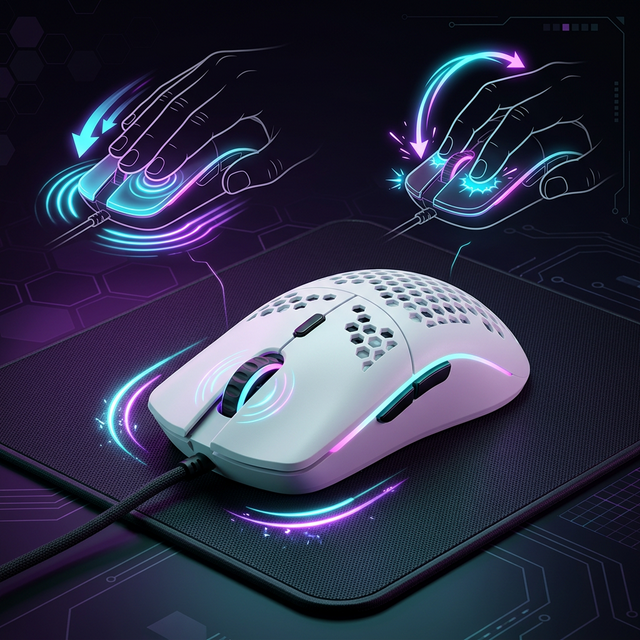
Your mouse choice is critical. For Godbridging, you need a low debounce time (4-6ms) and mechanical switches that favor double-clicking or dragging:
| Mouse | Min. debounce | Ideal technique | CPS potential |
|---|---|---|---|
| Glorious Model O | 4ms | Drag Click / Butterfly | 20-50+ CPS |
| Roccat Kone Pro | ~5ms | Butterfly Click | 16-20 CPS |
| Bloody A70 | ~4ms | Drag Click | 30-80+ CPS |
| SteelSeries Rival 3 | ~8ms | Butterfly Click | 12-15 CPS |
Pro tip: For Drag Clicking, apply grip tape (textured adhesive tape) to your mouse's right-click button. The extra friction dramatically increases the number of clicks registered during the finger drag. Almost all pro Bedwars players use this technique.
Step-by-step tutorial: nail your first Godbridge
Step 1 — Optimize your Minecraft settings
First things first, optimize your in-game settings:
- Mouse sensitivity — Set it between 80% and 100% in Minecraft. Too low makes aim adjustments too slow.
- FOV (field of view) — Set FOV to 90-100. Too wide distorts perspective and makes placement harder.
- Stable FPS — Aim for a minimum of 60 constant FPS. FPS drops can offset your click timing.
- Right-click keybind — Make sure block placement is on right-click (default setting).
Step 2 — The look angle (the "sweet spot")
This is the best-kept secret of Godbridging. Your view angle determines everything. Here's the exact positioning:
- Look slightly downward — approximately 75-80 degrees from horizontal (almost straight ahead, with a very slight downward angle).
- Your crosshair should be right at the edge of the block you're walking on, slightly below the horizon.
- Don't move your mouse once you've found the angle. Godbridging requires absolute aim stability.
Step 3 — Executing the Godbridge
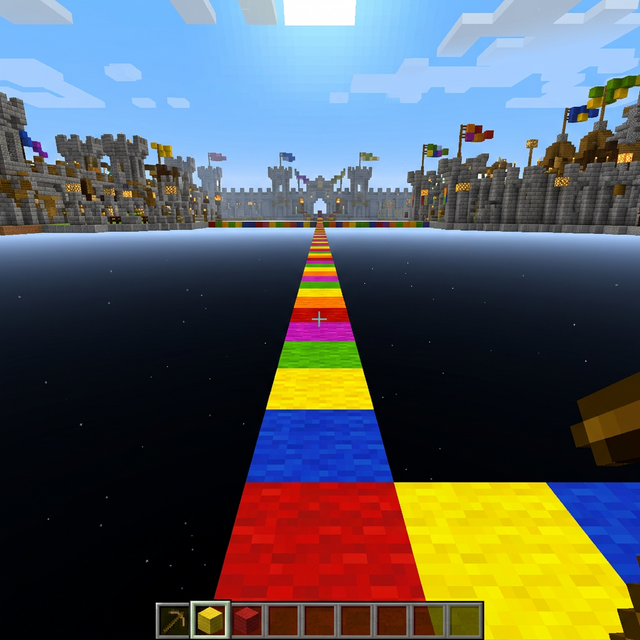
Now that your settings are ready and your view angle is calibrated, here's the exact sequence:
- 1. Stand at the edge of a block, facing the void.
- 2. Adjust your view angle to the "sweet spot" (slightly downward).
- 3. Select your blocks in the hotbar.
- 4. Start right-clicking with your clicking technique (Drag Click or Butterfly Click) — maintain a constant 15+ CPS rhythm.
- 5. Walk forward (W key) at the same time as you click. Don't touch any other keys.
- 6. Keep your mouse perfectly still. The slightest lateral movement will make you fall.
Fatal mistake #1: Never look directly at your feet. If your angle is too low, you'll place blocks in front of you instead of under your feet, creating a wall instead of a bridge.
Fatal mistake #2: Never press Shift (crouch). Godbridging relies on the precise timing of normal walking speed. Crouching slows your movement and completely breaks the rhythm.
Step 4 — Training program (3 weeks)
| Week | Goal | Duration/day | Exercise |
|---|---|---|---|
| Week 1 | Master CPS | 15 min | Reach 15+ constant CPS on the Drag Click Test or Butterfly Click Test |
| Week 2 | Godbridge 5-10 blocks | 20 min | Find the view "sweet spot", practice in Superflat creative world |
| Week 3 | Godbridge 20+ blocks | 15 min | Sessions on practice servers (Bedwars Practice, Bridge Practice) |
The 5 most common mistakes (and how to fix them)
- View angle too low — You're building a vertical pillar instead of a bridge. Solution: raise your view slightly until the crosshair is just above the block edge.
- Insufficient or inconsistent CPS — Your right-click must be a constant flow, not bursts. A 100ms gap in your clicks = guaranteed fall. Solution: practice on the CPS Test in 10-second mode and aim for consistency, not just the score.
- Mouse movement during bridging — Even 1 pixel of lateral movement is enough to misalign you. Solution: stabilize your hand with your wrist resting on the pad, use low DPI (400-800).
- Bad start timing — Starting to walk before clicking makes you fall from the first block. Solution: click first, then walk forward in the same fraction of a second.
- Stress and tension — Muscle tension reduces click fluidity. Solution: relax your shoulders, breathe calmly. Godbridging is as much about calm as speed.
Frequently Asked Questions (FAQ)
Conclusion: master the Godbridge and dominate Bedwars
The Godbridge isn't just a flashy technique — it's a concrete competitive advantage that can make the difference between winning and losing a game of Bedwars or Bridge Duels. With the right prerequisites (15+ constant CPS, a mouse with 4ms debounce time, the correct view angle), this technique is within reach of any motivated player. Follow our 3-week program and you'll go from systematically falling into the void to a perfectly fluid 20+ block Godbridge.
The first step is knowing your current CPS level. Head to our CPS Test now to measure your click speed. If you're below 15 CPS, train first on the Drag Click Test or the Butterfly Click Test before coming back here. And to perfect your reflexes overall, test your reaction time and aim precision too. 🎮